Free game assets
Free game assets for indie devs and AI coding agents
18 free 2D asset packs from Cocotas Lab, an indie studio: a pixel-art platformer pack and the free Basic edition of every UI kit we make. PNG files with JSON atlases that drop into Godot, Unity, Phaser or a plain HTML5 canvas, free for commercial games. Downloads are free, with no payment. The download page asks for your email address and sends you a sign-in code, then the zip starts. One sign-in covers every pack.
Before you start
License, credit and machine-readable files
License in short
- Free for personal and commercial games and apps, with no limit on projects or copies sold.
- You may modify the assets and ship them inside your game, including in its source code repository.
- You may not resell or redistribute the assets themselves, on their own or in another asset pack.
- You may not use them to train, fine-tune or evaluate AI models.
- Credit is appreciated but optional.
Full text: Cocotas Lab Asset License 1.0.
Credit line (optional)
Not required. If you want to credit us in your game or its README, copy this line:
Assets by Cocotas Lab (cocotaslab.com)
For AI coding agents and tools
Every pack on this page is listed in catalog.json (formats, file size, license, credit line, preview and download page), and the page as markdown is in llms-full.txt. Downloads need a person to sign in with an email address, so hand the download page link to whoever you are building for.
The packs
Free packs
-
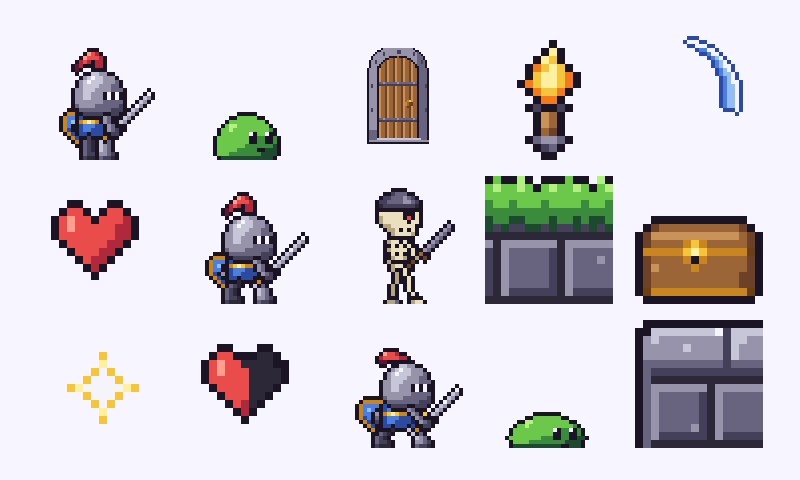 free pack
Little Knight
A brave chibi knight with 15 animations, a slime and a skeleton soldier, a 16x16 castle and forest-edge tileset, props, effects and UI for side-view platformers. Hand-placed pixel art on one 30-colour palette.
- Formats
- PNG sprites · 33 animations as PNG strips (frames left to right) · sprite sheets with JSON atlases (frame rectangles by name)
- Style
- Pixel art 16x16 / 32x32
- Sprites
- 80
- Download
- LittleKnight_v1.0.zip (197 KB)
- License
- Cocotas Lab Asset License 1.0: free for commercial games, credit optional
-
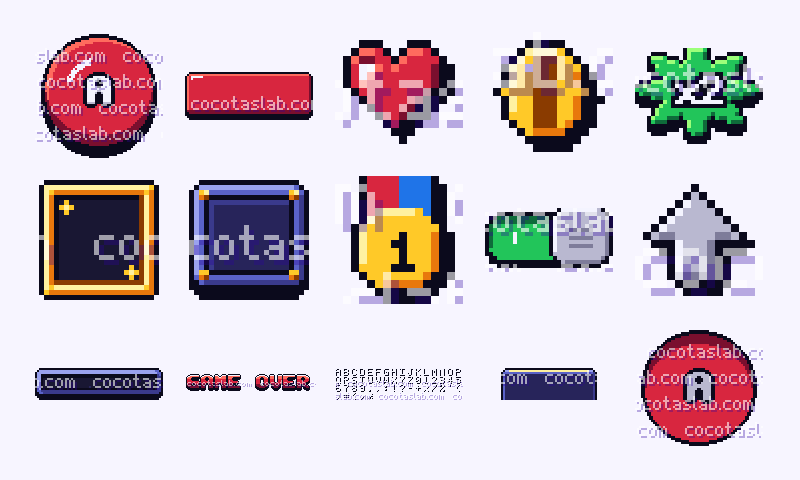 free Basic edition
Arcade 16-bit UI Basic
40 of the 185 sprites of Arcade 16-bit UI, free and without watermark. A complete pixel-art UI and HUD kit for fast arcade games: buttons in 4 states, 9-slice panels, bars, counters, glowing segment digits, title banners, 35 icons and a mobile kit (joystick, 8-way d-pad, action buttons, tab bar) sized for 64 px touch targets.
- Formats
- PNG at 1x, 2x and 4x · sprite sheets with JSON atlases (frame rectangles by name) · 9-slice margins as JSON · colour palette (.gpl and .png)
- Style
- pixel art UI, 8 px grid
- Sprites
- 40
- Download
- Arcade16bitUi_Basic_v1.1.zip (152 KB)
- License
- Cocotas Lab Asset License 1.0: free for commercial games, credit optional
-
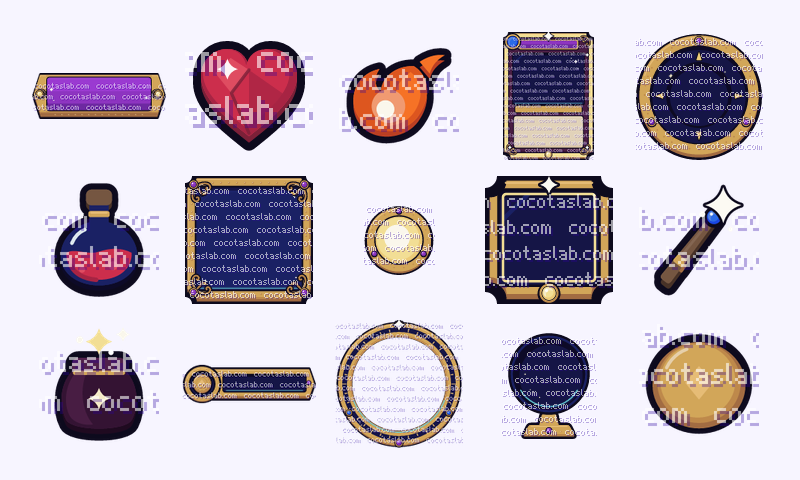 free Basic edition
Arcane Mysticism UI Basic
56 of the 262 sprites of Arcane Mysticism UI, free and without watermark. A vector UI and HUD kit for arcane fantasy games: night-glass panels in ornate gold frames (plus hollow frames for real translucency), buttons in 4 states, glass orb health and mana meters, spell slots with a cooldown sweep, a constellation skill tree, spell cards, an astrolabe minimap, icons, potions and a full mobile kit.
- Formats
- PNG at 1x, 2x and 4x · sprite sheets with JSON atlases (frame rectangles by name) · 9-slice margins as JSON · colour palette (.gpl and .png)
- Style
- vector-drawn UI, 8 px grid
- Sprites
- 56
- Download
- ArcaneMysticismUi_Basic_v1.1.zip (2.4 MB)
- License
- Cocotas Lab Asset License 1.0: free for commercial games, credit optional
-
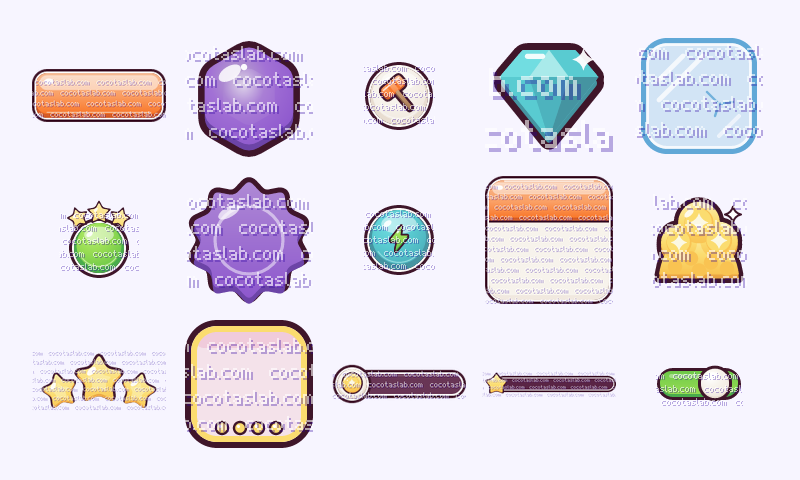 free Basic edition
Casual Match-3 UI Basic
61 of the 301 sprites of Casual Match-3 UI, free and without watermark. A juicy vector UI kit for casual match-3 games: glossy jelly buttons, frosted glass boards and panels, six jelly pieces with specials and blockers, a level map, moves and goals, a star bar that fills with glowing liquid, boosters, rewards, shop items and a full mobile kit.
- Formats
- PNG at 1x, 2x and 4x · sprite sheets with JSON atlases (frame rectangles by name) · 9-slice margins as JSON · colour palette (.gpl and .png)
- Style
- vector-drawn UI, 8 px grid
- Sprites
- 61
- Download
- CasualMatch3Ui_Basic_v1.0.zip (2.2 MB)
- License
- Cocotas Lab Asset License 1.0: free for commercial games, credit optional
-
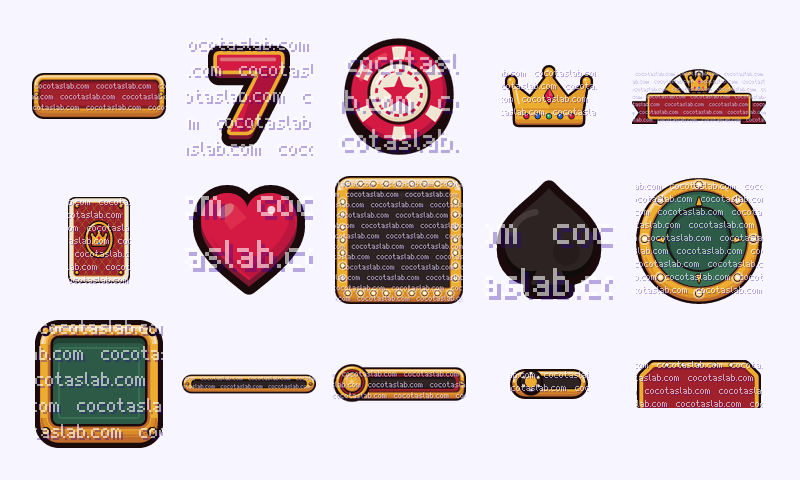 free Basic edition
Classic Casino UI Basic
56 of the 280 sprites of Classic Casino UI, free and without watermark. A vector UI and HUD kit for casino, card and slot games: polished-gold buttons in 4 states, marquee panels studded with lit bulbs, velvet and felt boards, poker-chip buttons, chips and stacks, playing cards, a slot-reel frame with 17 symbols, a jackpot banner, win and lose popups, icons and a full mobile kit.
- Formats
- PNG at 1x, 2x and 4x · sprite sheets with JSON atlases (frame rectangles by name) · 9-slice margins as JSON · colour palette (.gpl and .png)
- Style
- vector-drawn UI, 8 px grid
- Sprites
- 56
- Download
- ClassicCasinoUi_Basic_v1.1.zip (2.4 MB)
- License
- Cocotas Lab Asset License 1.0: free for commercial games, credit optional
-
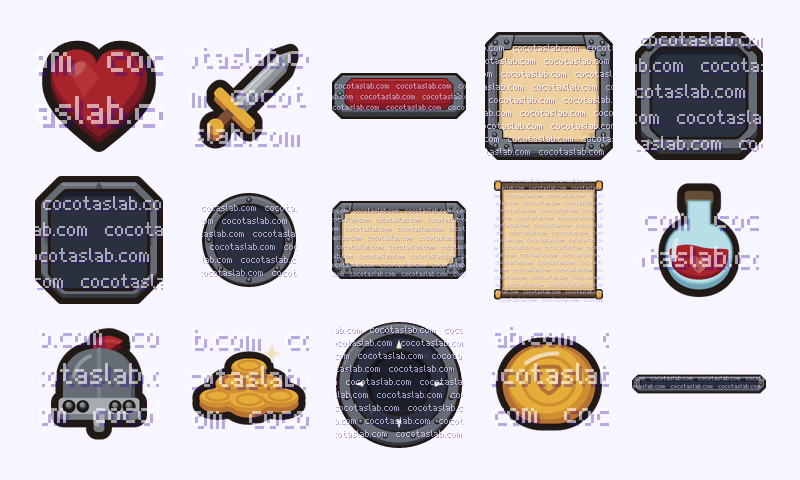 free Basic edition
Classic Fantasy UI Basic
56 of the 267 sprites of Classic Fantasy UI, free and without watermark. A vector UI and HUD kit for tavern and classic RPG games: riveted cast-iron buttons in 4 states, iron and parchment 9-slice panels, curved health bars, a character sheet, spell slots with a cooldown sweep, a dialogue box with portrait frame, a quest log scroll, icons, items and a full mobile kit.
- Formats
- PNG at 1x, 2x and 4x · sprite sheets with JSON atlases (frame rectangles by name) · 9-slice margins as JSON · colour palette (.gpl and .png)
- Style
- vector-drawn UI, 8 px grid
- Sprites
- 56
- Download
- ClassicFantasyUi_Basic_v1.1.zip (2.1 MB)
- License
- Cocotas Lab Asset License 1.0: free for commercial games, credit optional
-
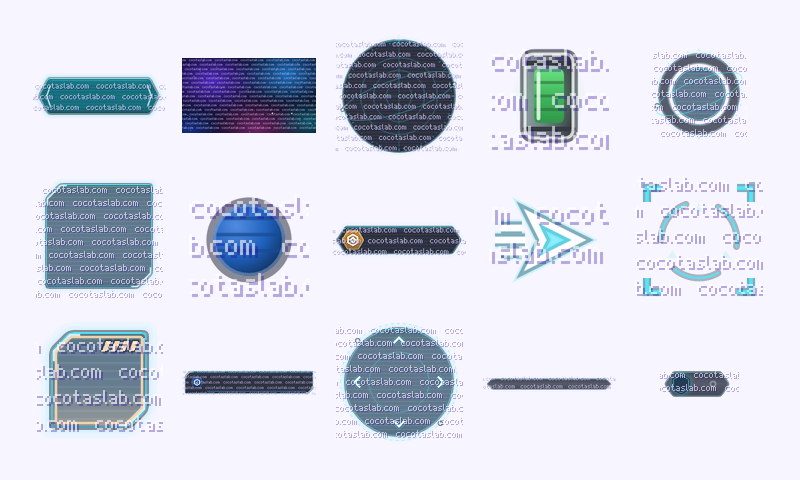 free Basic edition
Deep Space UI Basic
62 of the 310 sprites of Deep Space UI, free and without watermark. A vector holographic UI and HUD kit for space games: translucent cyan holo panels and soft neon buttons in 4 states, orbit-ring gauges, a topographic radar, lock-on reticles, a star map, comms, items and a full mobile kit.
- Formats
- PNG at 1x, 2x and 4x · sprite sheets with JSON atlases (frame rectangles by name) · 9-slice margins as JSON · colour palette (.gpl and .png)
- Style
- vector-drawn UI, 8 px grid
- Sprites
- 62
- Download
- DeepSpaceUi_Basic_v1.0.zip (2.7 MB)
- License
- Cocotas Lab Asset License 1.0: free for commercial games, credit optional
-
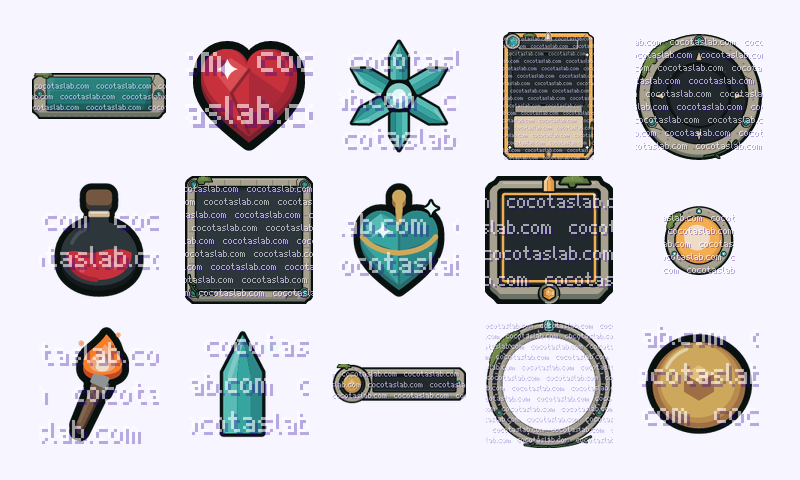 free Basic edition
Forgotten Ruins UI Basic
56 of the 273 sprites of Forgotten Ruins UI, free and without watermark. A vector UI and HUD kit for jungle-ruin and lost-temple adventures: cracked, mossy carved-stone panels and buttons in 4 states, vines on the edges, a pulsing raw-crystal gauge and stamina pips, ability sockets with a cooldown sweep, a relic tree, relic tablet cards, a stone compass minimap, icons, items and a full mobile kit.
- Formats
- PNG at 1x, 2x and 4x · sprite sheets with JSON atlases (frame rectangles by name) · 9-slice margins as JSON · colour palette (.gpl and .png)
- Style
- vector-drawn UI, 8 px grid
- Sprites
- 56
- Download
- ForgottenRuinsUi_Basic_v1.0.zip (2.3 MB)
- License
- Cocotas Lab Asset License 1.0: free for commercial games, credit optional
-
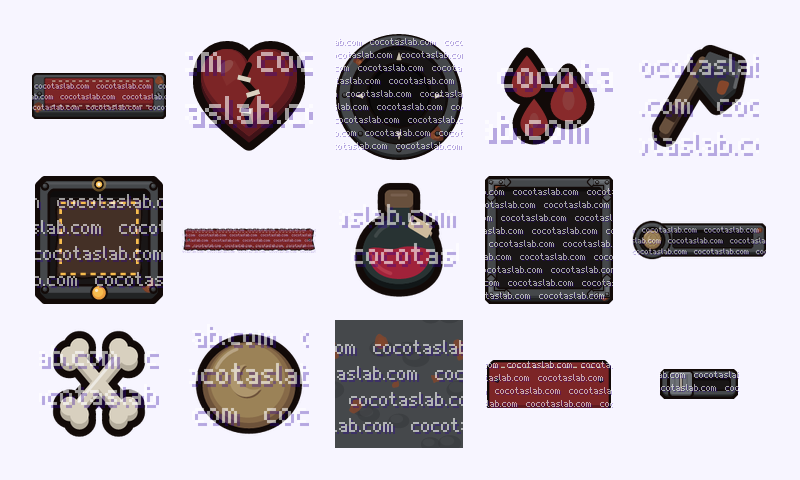 free Basic edition
Gothic Survival UI Basic
56 of the 255 sprites of Gothic Survival UI, free and without watermark. A vector UI and HUD kit for gothic horror and survival games: blackened iron and oxblood leather buttons in 4 states, strap-hinge 9-slice panels, cracked-glass and stain bars, health and sanity vials, hunger / thirst / warmth / sanity dials, an oil lantern, status effects, crafting pieces, icons, items and a full mobile kit.
- Formats
- PNG at 1x, 2x and 4x · sprite sheets with JSON atlases (frame rectangles by name) · 9-slice margins as JSON · colour palette (.gpl and .png)
- Style
- vector-drawn UI, 8 px grid
- Sprites
- 56
- Download
- GothicSurvivalUi_Basic_v1.1.zip (1.7 MB)
- License
- Cocotas Lab Asset License 1.0: free for commercial games, credit optional
-
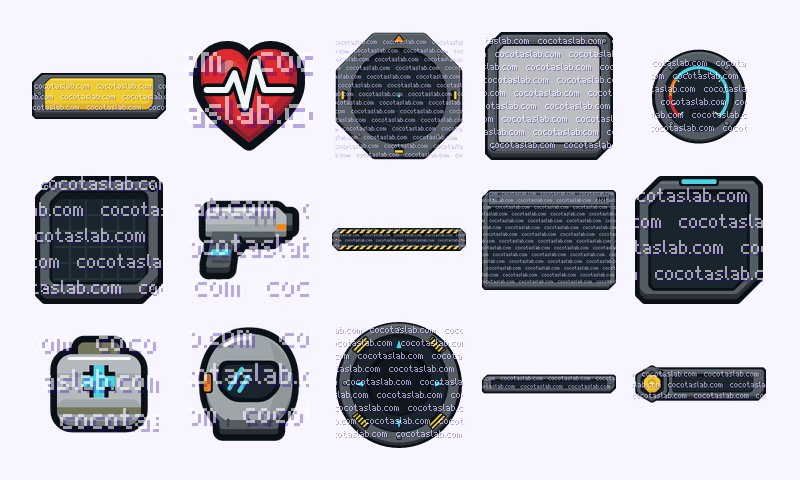 free Basic edition
Industrial Sci-Fi UI Basic
56 of the 259 sprites of Industrial Sci-Fi UI, free and without watermark. A vector UI and HUD kit for industrial and hard sci-fi games: scratched gunmetal buttons in 4 states, screwed 9-slice panels and CRT screens, hazard-stripe warning banners, a radar with sweep, ammo and oxygen gauges, a terminal log window, ability slots, icons, items and a full mobile kit.
- Formats
- PNG at 1x, 2x and 4x · sprite sheets with JSON atlases (frame rectangles by name) · 9-slice margins as JSON · colour palette (.gpl and .png)
- Style
- vector-drawn UI, 8 px grid
- Sprites
- 56
- Download
- IndustrialSciFiUi_Basic_v1.1.zip (1.6 MB)
- License
- Cocotas Lab Asset License 1.0: free for commercial games, credit optional
-
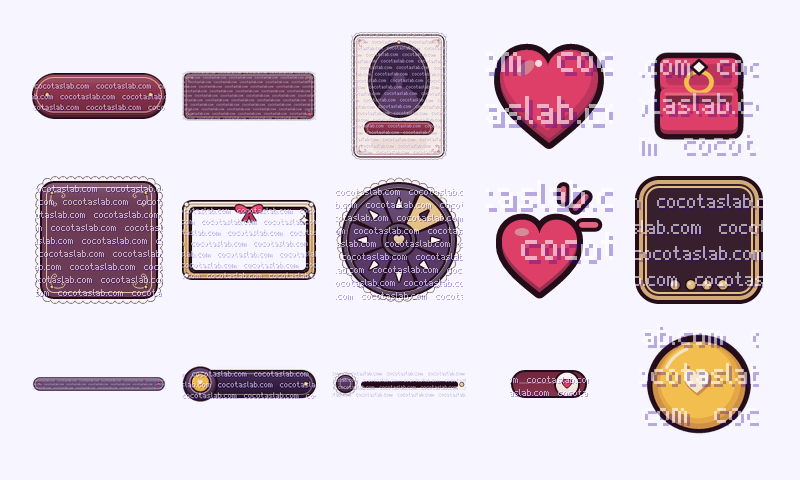 free Basic edition
Mature Romance UI Basic
66 of the 328 sprites of Mature Romance UI, free and without watermark. A vector UI kit for romance, dating and visual-novel games: lace-trimmed wine and night-plum silk dialog boxes with name plates, delicate pill buttons with gold threads and pearls, choice frames, affinity hearts, a heart meter, memory frames and lockets, save slots and a full mobile kit.
- Formats
- PNG at 1x, 2x and 4x · sprite sheets with JSON atlases (frame rectangles by name) · 9-slice margins as JSON · colour palette (.gpl and .png)
- Style
- vector-drawn UI, 8 px grid
- Sprites
- 66
- Download
- MatureRomanceUi_Basic_v1.0.zip (2.4 MB)
- License
- Cocotas Lab Asset License 1.0: free for commercial games, credit optional
-
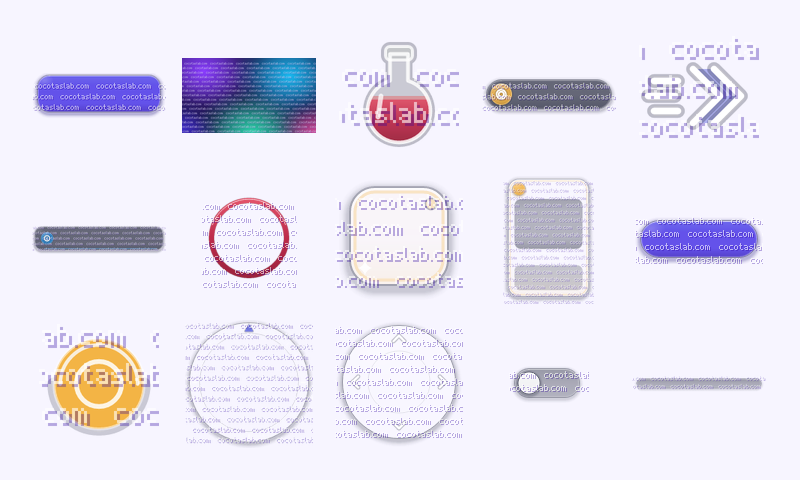 free Basic edition
Minimal Translucent UI Basic
60 of the 300 sprites of Minimal Translucent UI, free and without watermark. A vector glassmorphism UI and HUD kit: frosted, smoked and tinted glass panels and buttons in 4 states, thin white line icons, ring gauges, a radial selection wheel, toasts, a glass minimap, cards, items, colour backdrops and a full mobile kit.
- Formats
- PNG at 1x, 2x and 4x · sprite sheets with JSON atlases (frame rectangles by name) · 9-slice margins as JSON · colour palette (.gpl and .png)
- Style
- vector-drawn UI, 8 px grid
- Sprites
- 60
- Download
- MinimalTranslucentUi_Basic_v1.0.zip (3.0 MB)
- License
- Cocotas Lab Asset License 1.0: free for commercial games, credit optional
-
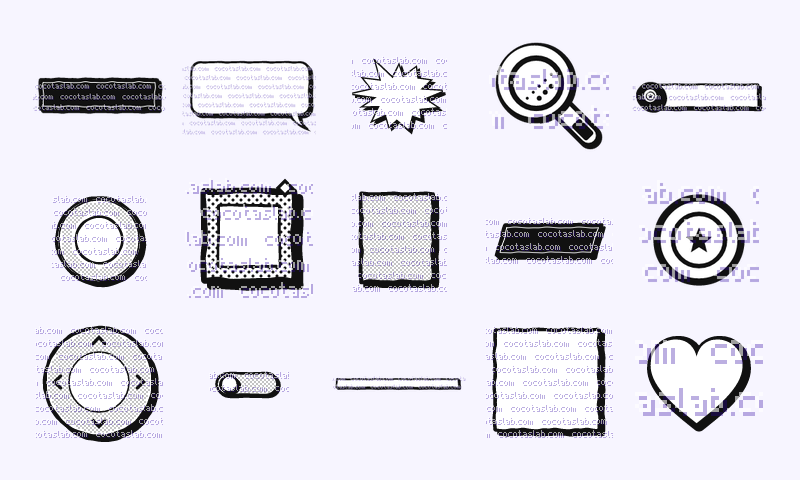 free Basic edition
Monochrome Halftone UI Basic
56 of the 280 sprites of Monochrome Halftone UI, free and without watermark. A vector noir and manga UI and HUD kit in strict black and white: irregular ink borders, hard comic shadows, halftone-filled bars, speech balloons, SFX bursts, screentones, story panels and a full mobile kit.
- Formats
- PNG at 1x, 2x and 4x · sprite sheets with JSON atlases (frame rectangles by name) · 9-slice margins as JSON · colour palette (.gpl and .png)
- Style
- vector-drawn UI, 8 px grid
- Sprites
- 56
- Download
- MonochromeHalftoneUi_Basic_v1.0.zip (941 KB)
- License
- Cocotas Lab Asset License 1.0: free for commercial games, credit optional
-
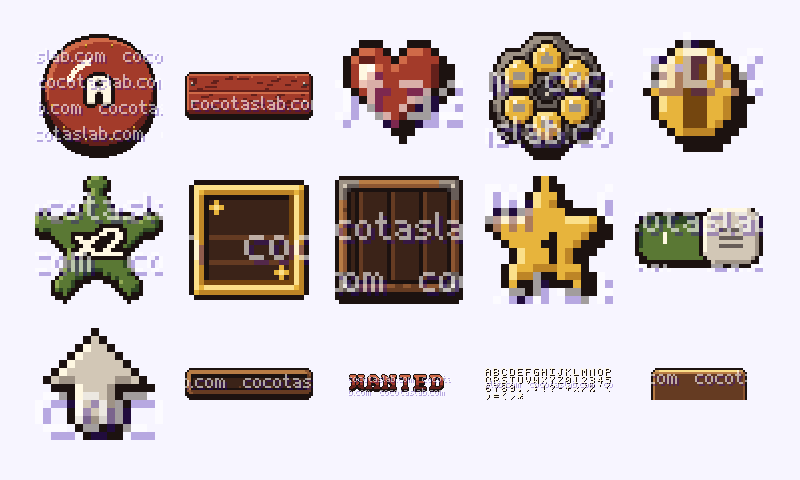 free Basic edition
Pixel Western UI Basic
44 of the 217 sprites of Pixel Western UI, free and without watermark. A pixel-art UI and HUD kit for Wild West games: weathered plank buttons in 4 states, saloon sign boards, wanted-poster parchment, rope and iron 9-slice panels, a revolver-cylinder ammo counter, sheriff-star badges, 43 icons, wood-type digits and a mobile kit (wagon-wheel joystick, d-pad, action buttons) with 64 px touch targets.
- Formats
- PNG at 1x, 2x and 4x · sprite sheets with JSON atlases (frame rectangles by name) · 9-slice margins as JSON · colour palette (.gpl and .png)
- Style
- pixel art UI, 8 px grid
- Sprites
- 44
- Download
- PixelWesternUi_Basic_v1.0.zip (207 KB)
- License
- Cocotas Lab Asset License 1.0: free for commercial games, credit optional
-
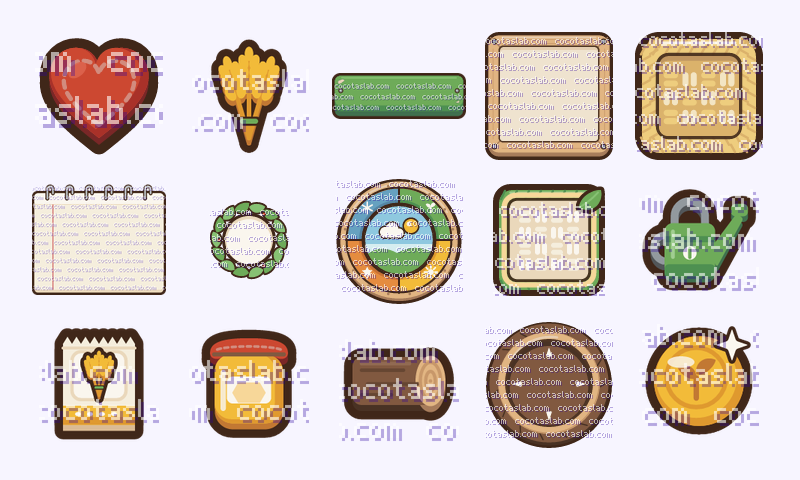 free Basic edition
Rustic Sim UI Basic
56 of the 251 sprites of Rustic Sim UI, free and without watermark. A cozy vector UI and HUD kit for farm and crafting sims: painted wooden buttons in 4 states, plank and paper 9-slice panels, leaf tabs, woven-basket slots, a ring-bound quest notebook, a crafting recipe set, a season and day clock, a seed and tool hotbar, 42 icons, 38 crop, tool and material items and a full mobile kit.
- Formats
- PNG at 1x, 2x and 4x · sprite sheets with JSON atlases (frame rectangles by name) · 9-slice margins as JSON · colour palette (.gpl and .png)
- Style
- vector-drawn UI, 8 px grid
- Sprites
- 56
- Download
- RusticSimUi_Basic_v1.1.zip (1.8 MB)
- License
- Cocotas Lab Asset License 1.0: free for commercial games, credit optional
-
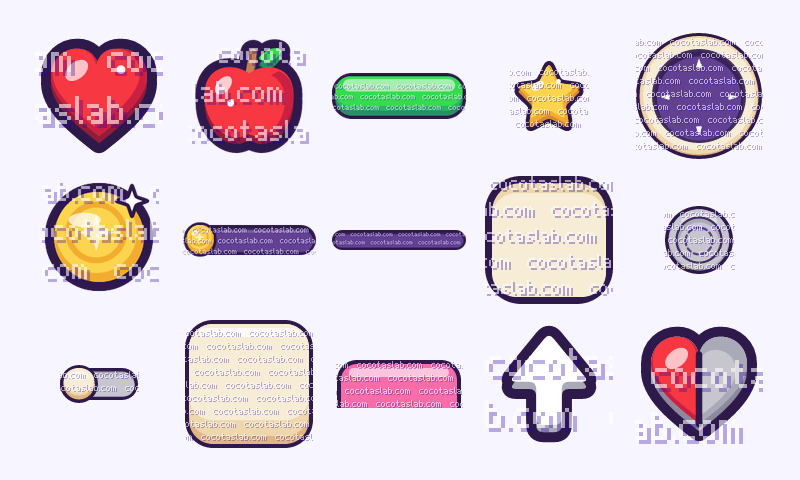 free Basic edition
Vibrant Platformer UI Basic
39 of the 184 sprites of Vibrant Platformer UI, free and without watermark. A bright vector UI and HUD kit for cheerful platformers: candy buttons in 4 states, 9-slice panels, bars, counters, 38 icons, 12 food pickups, a spinning coin, 0-3 star ratings and a mobile kit (joystick, 4/8-way d-pads, action buttons, tab bar).
- Formats
- PNG at 1x, 2x and 4x · sprite sheets with JSON atlases (frame rectangles by name) · 9-slice margins as JSON · colour palette (.gpl and .png)
- Style
- vector-drawn UI, 8 px grid
- Sprites
- 39
- Download
- VibrantPlatformerUi_Basic_v1.1.zip (1.3 MB)
- License
- Cocotas Lab Asset License 1.0: free for commercial games, credit optional
-
 free Basic edition
Visual Novel UI Basic
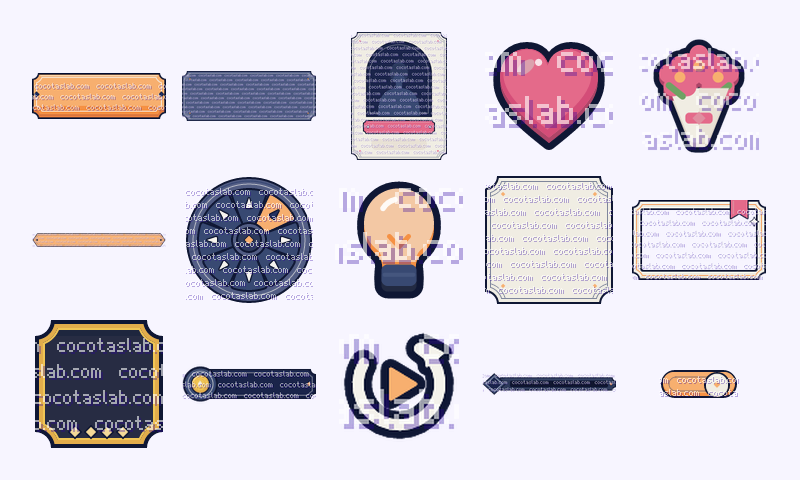
61 of the 303 sprites of Visual Novel UI, free and without watermark. A vector UI kit for visual novels: a wide see-through dialog box with name plates, click-to-continue cursors, discreet skip / auto / log quick-menu buttons, subtle choice frames, affinity hearts, meters and character cards, save slots, gallery frames and a full mobile kit.
- Formats
- PNG at 1x, 2x and 4x · sprite sheets with JSON atlases (frame rectangles by name) · 9-slice margins as JSON · colour palette (.gpl and .png)
- Style
- vector-drawn UI, 8 px grid
- Sprites
- 61
- Download
- VisualNovelUi_Basic_v1.0.zip (1.8 MB)
- License
- Cocotas Lab Asset License 1.0: free for commercial games, credit optional
-
 free Basic edition
Zombie Apocalypse UI Basic
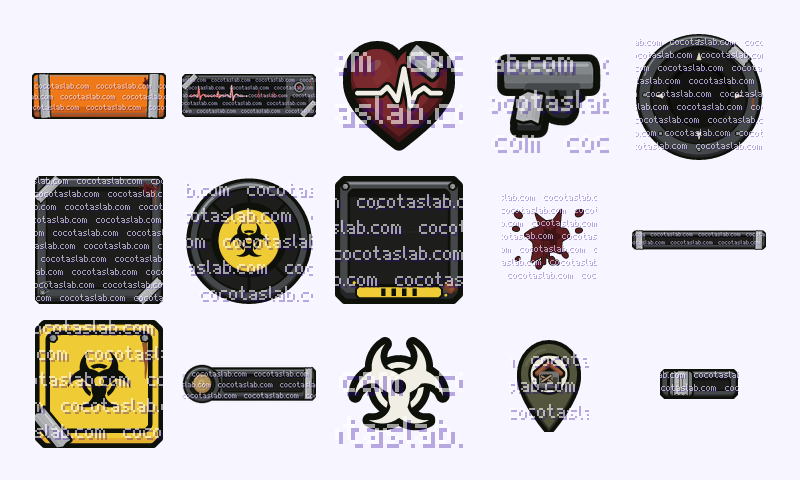
60 of the 299 sprites of Zombie Apocalypse UI, free and without watermark. A vector UI and HUD kit for zombie survival games: scratched steel and painted buttons in 4 states with duct tape round the ends, taped-up 9-slice panels, a heart monitor with steady, fast, irregular and flatline traces, an infection meter, biohazard signs, dried-blood decals, map pins, items and a full mobile kit.
- Formats
- PNG at 1x, 2x and 4x · sprite sheets with JSON atlases (frame rectangles by name) · 9-slice margins as JSON · colour palette (.gpl and .png)
- Style
- vector-drawn UI, 8 px grid
- Sprites
- 60
- Download
- ZombieApocalypseUi_Basic_v1.0.zip (2.1 MB)
- License
- Cocotas Lab Asset License 1.0: free for commercial games, credit optional
How to use
Use the files in your engine
Every zip has the same layout: sprites/ (one PNG per sprite), sheets/
(one sheet per group with a JSON of frame rectangles by name), README.md with the size, frame count
and frame rate of every sprite, and LICENSE.txt. UI kits add x2/ and x4/
and extras/nine_slice.json; animated packs add sheets/animations/, one strip per
animation. The examples use Little Knight and Deep Space UI Basic.
Godot 4
# Project Settings > Rendering > Textures > Default Texture Filter = Nearest (pixel art)
# An animation strip: N frames left to right, N is in the file name
var knight := Sprite2D.new()
knight.texture = load("res://LittleKnight/sheets/animations/knight_run_strip8.png")
knight.hframes = 8
add_child(knight)

# A UI panel that stretches: NinePatchRect + the margins from extras/nine_slice.json
# (exporting? add *.json to Export > Resources > "Filters to export non-resource files")
var panel := NinePatchRect.new()
panel.texture = load("res://DeepSpaceUi_Basic/sprites/panels/panel_holo.png")
var m = JSON.parse_string(FileAccess.get_file_as_string("res://DeepSpaceUi_Basic/extras/nine_slice.json"))["slices"]["panel_holo"]
panel.patch_margin_left = m.left; panel.patch_margin_top = m.top
panel.patch_margin_right = m.right; panel.patch_margin_bottom = m.bottom
add_child(panel)
Unity
1. Drop the folder into Assets/.
2. Select the PNGs: Texture Type = Sprite (2D and UI). Pixel art: Filter Mode = Point, Compression = None.
   UI kits: Filter Mode = Bilinear, tick Alpha Is Transparency.
3. Animation strip (knight_run_strip8.png): Sprite Mode = Multiple, Sprite Editor > Slice > Grid By Cell Count,
   8 columns x 1 row; select the slices and drag them into the scene to get an animation clip.
4. 9-slice panel: Sprite Editor > Border = left/top/right/bottom from extras/nine_slice.json,
   then Image component > Image Type = Sliced.
Phaser 3
// new Phaser.Game({ pixelArt: true, ... }) for pixel art
preload() {
  this.load.atlas('props', 'LittleKnight/sheets/props.png', 'LittleKnight/sheets/props.json');
  this.load.spritesheet('knight_run', 'LittleKnight/sheets/animations/knight_run_strip8.png',
    { frameWidth: 32, frameHeight: 32 });
}
create() {
  this.add.image(100, 100, 'props', 'chest_closed');   // a frame of the atlas, by name
  this.anims.create({ key: 'run', frames: this.anims.generateFrameNumbers('knight_run'), frameRate: 12, repeat: -1 });
  this.add.sprite(160, 100, 'knight_run').play('run');
}
HTML5 canvas
const ctx = document.querySelector('canvas').getContext('2d');
const atlas = await (await fetch('LittleKnight/sheets/props.json')).json();
const sheet = new Image();
sheet.onload = () => {
  const f = atlas.frames.chest_closed.frame;          // { x, y, w, h }
  ctx.imageSmoothingEnabled = false;                   // crisp pixel art
  ctx.drawImage(sheet, f.x, f.y, f.w, f.h, 0, 0, f.w * 4, f.h * 4);
};
sheet.src = 'LittleKnight/sheets/props.png';
More free packs
Free on other stores
Cocotas Farm Starter
Cozy top-down vector farm kit: ground, crops, tools, the Farmer and farm UI, as SVG and PNG, with a playable Godot 4 demo. Free on itch.io.